
If you’re reading wall printer reviews, you’re probably trying to predict one thing: Will this machine stay stable on real job sites—on different walls, under time pressure, with clients watching?
Most wall printer reviews claim to show performance, but very few help buyers evaluate real-world workflow stability.
A useful review must prove three things:
- the seller can demonstrate the full workflow (not just a pretty finished wall),
- the output holds up under close-up inspection (not only wide photos),
- and support is real, fast, and repeatable when problems happen.
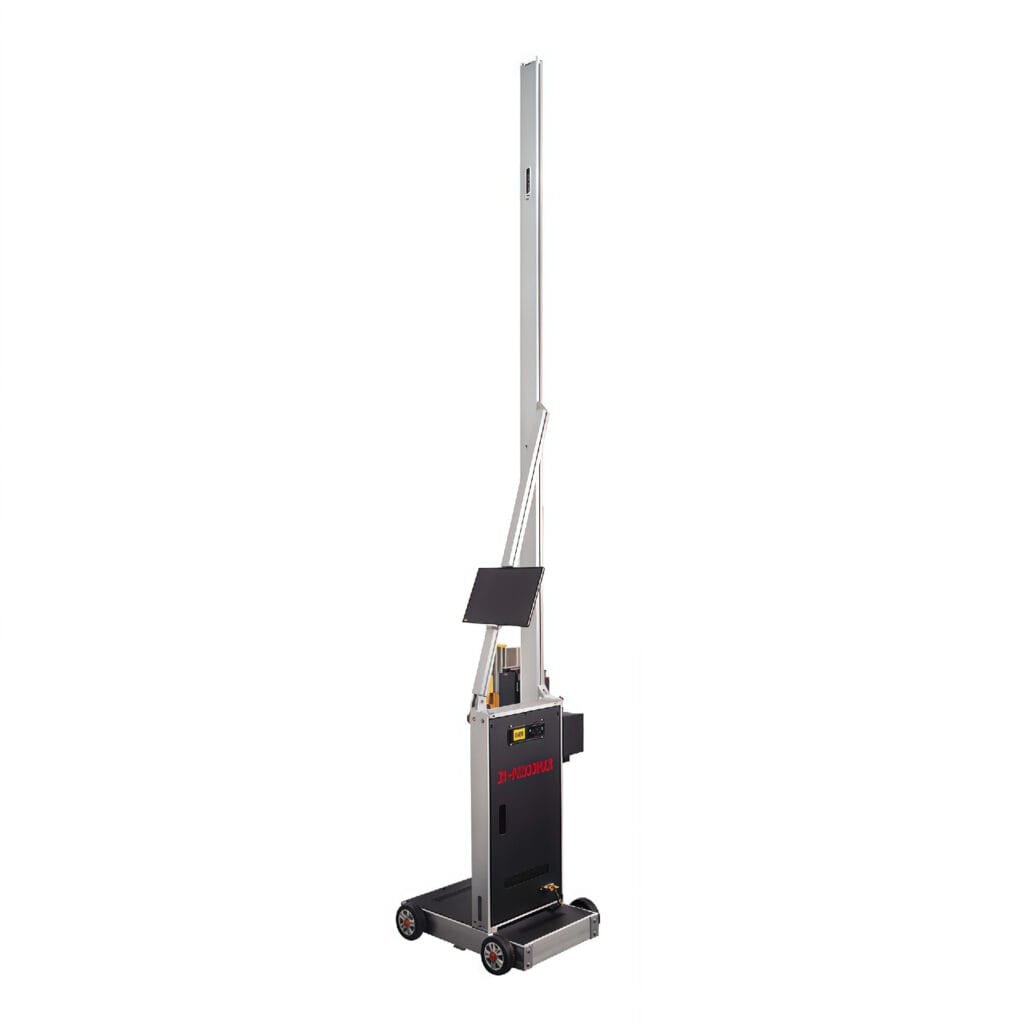
1.Wall printer reviews: why most reviews are misleading
Most review content fails because it avoids the uncomfortable parts:
- setup and leveling (where most jobsite mistakes start),
- calibration steps (where repeatability is won or lost),
- defect close-ups (banding, thin-line wobble, seam lines),
- and “what happens next” (support response time, parts availability).
A showroom demo can look perfect, but real walls vary: texture, dust, paint type, humidity, and tight spaces. A review that doesn’t show workflow proof is entertainment, not due diligence.
2.The “3-signal framework” that actually predicts results
When judging any review, score it on these three signals:
2.1 Demo proof (process, not slogans)
A strong demo shows:
- how they level and calibrate,
- how they position the start point,
- how they handle edges and alignment,
- and what the operator does when something looks off.
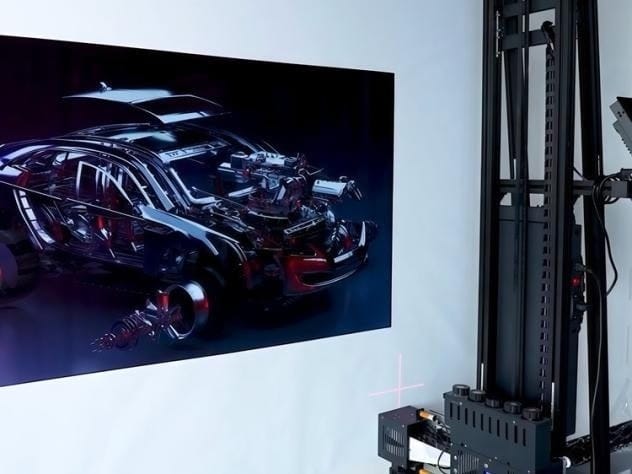
2.2 Sample proof (your files, not their portfolio)
A strong sample uses a standardized test pack:
- gradients (to reveal banding),
- thin lines (to reveal drift),
- small text (to reveal edge quality),
- and dark backgrounds (to verify white-ink workflow if you need it).
2.3 Support proof (uptime is the real product)
A strong support plan includes:
- response time in hours,
- a starter spare parts kit recommendation,
- setup/troubleshooting SOP,
- and live video support during your first install.
3.Demo checklist: what to request (and what to reject)
Ask for a demo that includes:
3.1 Setup + calibration (full steps)
You want to see:
- leveling routine,
- calibration steps,
- positioning workflow,
- and a brief explanation of why each step matters.
If they refuse to show setup and only show printing, treat it as a red flag.
3.2 Real print length (not a tiny logo)
Request at least 1–2 m² and ask for:
- a close-up video sweep of edges,
- a gradient section,
- and thin-line details.
3.3 Pause & resume seam proof
This is one of the fastest ways to detect “real workflow maturity.”
Ask them to pause mid-job and resume, then show the seam area in close-up. If the seam is visible, your client will see it too.
4.Sample print checklist: the test pack that exposes defects fast
Send a simple test pack and require:
- gradient bar (light-to-dark),
- fine line pattern,
- small text block,
- and one dark background patch.
Ask for:
- close-up photos under normal lighting,
- a wide shot for context,
- and a short video pan to reveal banding.
A seller’s “portfolio image” is not evidence. Your test pack is evidence.
5.Support checklist: the questions buyers forget to ask
Before you believe any review, ask:
- What is your support response time (hours)?
- Do you provide live video support during first install?
- What spare parts should I stock for my expected monthly workload?
- Do you provide an SOP for daily care + defect troubleshooting?
- How fast can you ship parts to my country/city?
Support is what keeps your business running. Without it, even a “good machine” can become downtime.
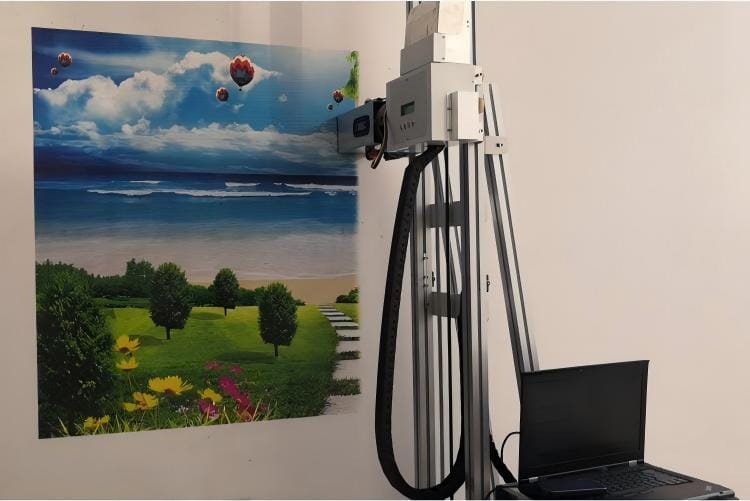
6.Practical note: where Printava fits (low-hype, workflow-first)
If you’re comparing wall printers, the difference you feel after purchase is usually workflow predictability—how consistently you can set up, calibrate, print, and recover from issues. Printava typically matches configuration to your job profile (wall height range, surfaces, dark-wall/white ink needs, and on-site frequency), then supports that with setup guidance, maintenance SOP, and a starter spare-parts plan. For first-time buyers, this often reduces wrong-model purchases and cuts rework caused by early workflow mistakes.
7. FAQ
What’s the biggest mistake when trusting wall printer reviews?
Believing wide“finished wall”photos without workflow proof, close-ups, and pause/resume seam evidence.
What’s the fastest way to compare multiple sellers?
Send the same demo checklist + test pack + quote checklist to everyone and compare their proof.
Next step:
If you’re ready to buy, use /wall-printer-for-sale/ to request a configuration + comparable quote.