When people search automatic wall printer, they often expect a “press start and walk away” machine. Wall printing doesn’t work like that because walls are inconsistent surfaces: texture, dust, paint condition, humidity, and jobsite constraints.
Automation can reduce mistakes and speed up steps, but it doesn’t replace:
- surface prep,
- workflow discipline,
- quality judgement,
- and after-sales support.
This guide explains what “automatic” usually means, what still stays manual, and how to evaluate automation claims with proof.
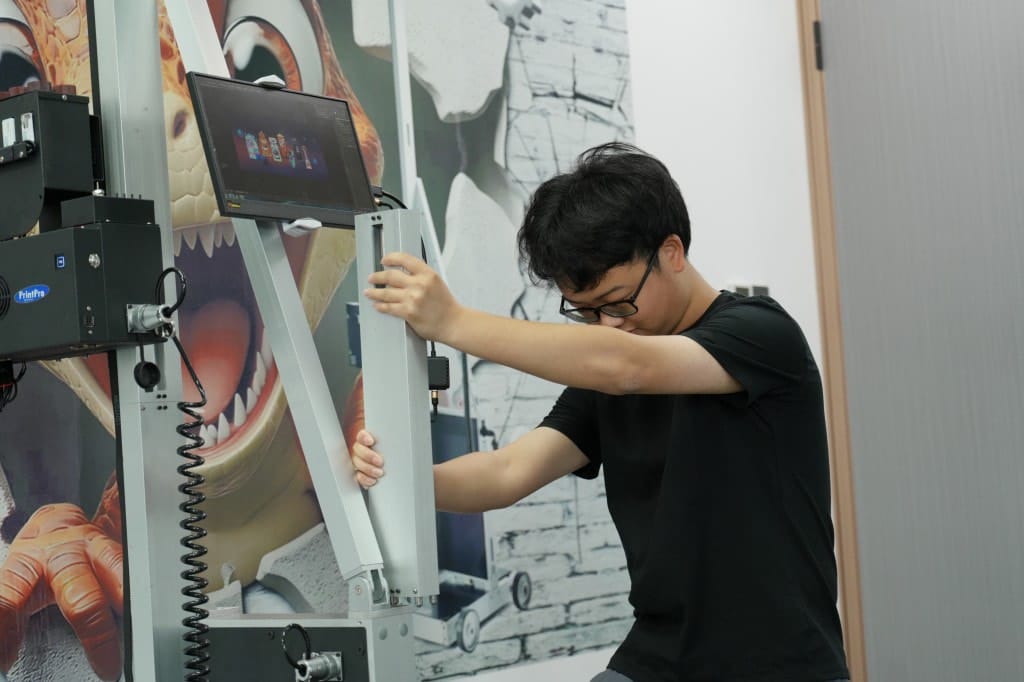
1.Automatic wall printer: what buyers expect vs what’s realistic
Most “automatic” claims relate to reducing operator errors through:
- guided calibration steps,
- positioning aids,
- job recovery routines (workflow dependent),
- safety prompts and checks.
A good way to think about it: automation makes the workflow more repeatable, but it doesn’t remove the need to manage real surfaces.
2.Automatic wall printer features: what can be automated vs what stays manual
2.1 Often automated (or partially automated)
- Guided calibration sequences
- Some forms of distance/height sensing (depends on system)
- Resume/recovery steps after pauses (depends on software + workflow)
- On-screen prompts that reduce “forgotten steps”
2.2 Still manual (and always will be)
- Surface prep: cleaning, sealing porous areas, dealing with texture
- Choosing the start point on a real wall
- Running test patches and judging adhesion/color
- Handling site variables: uneven floors, tight spaces, interruptions
- Maintenance routines when nozzle issues happen
If a seller implies “automatic means no operator skill,” treat it as a red flag.

3. 3 myths that cause wrong purchases
3.1 Myth #1: Automatic = no training needed
Reality: training matters more on-site than in a showroom. Your operator needs a repeatable setup routine.
3.2 Myth #2: Automatic = no surface prep
Reality: surface prep is often the #1 determinant of durability and defect rates.
3.3 Myth #3: More automation = always better
Reality: the best automatic wall printer machine is the one that matches your job profile and comes with strong support and SOPs.
4.Demo checklist: how to verify “automatic” claims with proof
Ask for video proof of:
- the full setup and calibration routine (not a cut clip),
- printing a gradient and thin-line test area,
- pausing mid-job and resuming with seam close-up,
- a brief demonstration on a textured sample if your jobs include texture.
If they refuse close-ups or test packs, you don’t have evidence.
5.Quote checklist: what you must include
Send:
- Destination (country/city)
- Power standard
- Typical wall height range
- Main surfaces
- Indoor/outdoor
- Dark walls needed?
- Monthly workload
Strong internal link: ready to purchase →
/wall-printer-for-sale/.6.Practical note: where Printava fits
In practice, “automation” helps only when it’s paired with a repeatable workflow and support readiness. Printava typically focuses on configuration matching (height, surfaces, dark-wall needs) plus operator-first documentation: setup guidance, maintenance SOP, and a starter spare-parts plan. That combination tends to reduce rework and makes the jobsite process more predictable—especially for first-time buyers.