1. How does a wall printer work? (simple explanation)
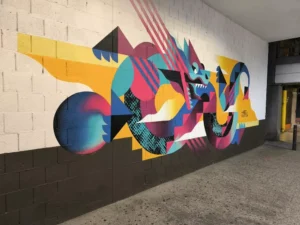
A wall printer works by printing images directly onto vertical surfaces, such as walls, using a combination of digital image processing, precision motion control, and inkjet printing technology.
In simple terms, it functions like a vertical inkjet printer—but instead of printing on paper, it prints directly onto walls.
The process involves:
- a digital image file
- a controlled printing system
- a moving print head
- and a stable structure that keeps alignment accurate
This allows the machine to create large-scale, high-resolution images directly on-site.
2. Core components of a wall printing machine
To understand how a wall printer works, you need to look at its main components.
2.1 Print head system
This is where ink is applied to the wall.
It controls:
- ink droplets
- color accuracy
- image sharpness
High-quality print heads produce:
- smooth gradients
- sharp lines
- consistent colors
2.2 Vertical rail or track system
Unlike traditional printers, a wall printer moves vertically along a rail or structure.
This system ensures:
- stable movement
- precise positioning
- consistent print alignment
2.3 Image processing software
Before printing, the image must be processed.
The software handles:
- scaling
- positioning
- color adjustment
It ensures that what you see on screen matches what appears on the wall.
2.4 Control system
The control system synchronizes:
- print head movement
- ink output
- positioning
This coordination is what allows the image to be printed accurately from top to bottom.
3. Step-by-step: how wall printing actually happens
Understanding the workflow helps you see how all parts come together.
3.1 Image preparation
- Upload or design artwork
- Adjust size and resolution
- preview layout
👉 High-quality input = better final result
3.2 Machine setup
- position the machine against the wall
- ensure stability
- calibrate distance
👉 This step is critical for accuracy
3.3 Surface check
- confirm wall condition
- clean dust or debris
- ensure compatibility
👉 Surface quality affects adhesion and clarity
3.4 Printing process
- the machine gradually moves horizontally
- the print head moves vertically
- ink is applied line by line
This creates a full image, similar to how a standard printer builds an image—but on a much larger scale.
3.5 Final inspection
- check alignment
- verify color consistency
- correct minor issues if needed
4. What makes wall printing different from traditional printing?
Wall printing is unique in several ways.
4.1 Direct-to-surface printing
No intermediate material (like vinyl or paper).
4.2 Large-scale output
Most of the wall can be printed.
4.3 On-site production
Printing happens at the client’s location.
4.4 Customization
Each project can be unique.
👉 This combination makes wall printing suitable for both decorative and commercial use.
5. Types of surfaces a wall printer can handle
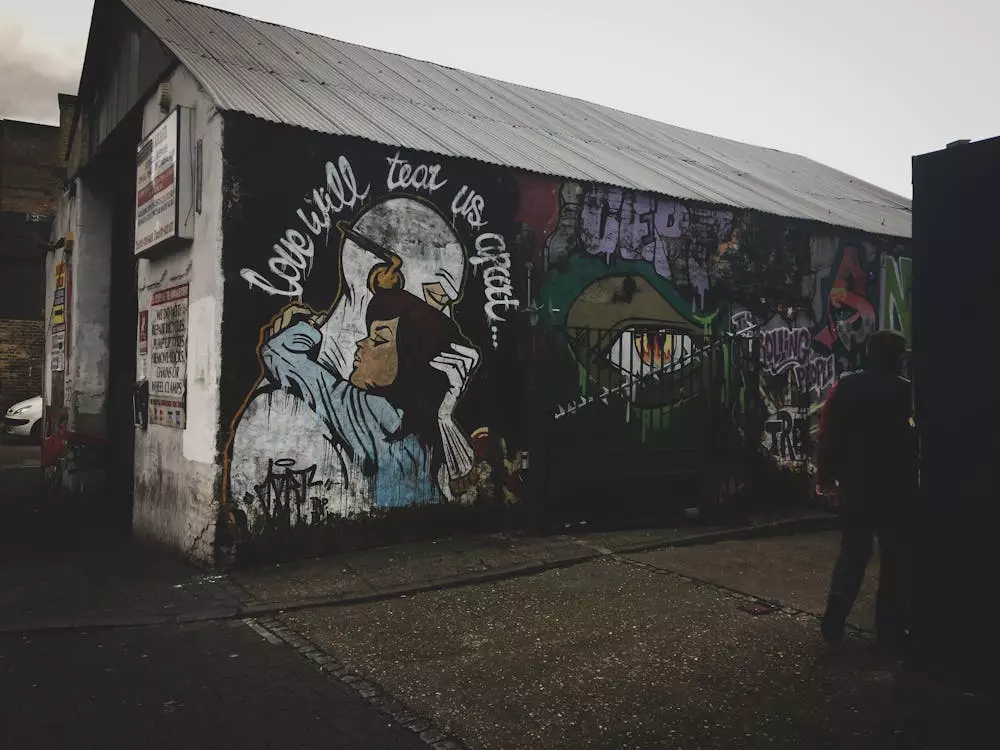
A good wall printer can print on:
- painted walls
- concrete
- plaster
- brick (with limitations)
- wood panels
However, results depend on:
- surface smoothness
- absorbency
- preparation quality
👉 Surface preparation is often more important than the printing itself.
6. Image quality: what determines the final result?
Several factors affect print quality:
6.1 Resolution of the image
Higher resolution = sharper output
6.2 Print head precision
Better hardware = better detail
6.3 Machine stability
Less vibration = cleaner lines
6.4 Operator skill
Proper setup and calibration matter
👉 High-quality results are a combination of machine capability and correct operation.
7. Common challenges and how they are solved
Even though the technology is advanced, there are challenges.
7.1 Uneven surfaces
Solution: adjust settings or prepare surface
7.2 Alignment errors
Solution: proper calibration
7.3 Ink absorption issues
Solution: choose correct settings or pre-treat surface
👉 Most problems are manageable with experience and proper workflow.
8. Real-world applications of wall printing
Wall printing is used in a wide range of scenarios:
Commercial:
- cafés and restaurants
- retail stores
- office branding
Residential:
- feature walls
- kids’ rooms
- decorative interiors
Public spaces:
- schools
- gyms
- exhibition areas
👉 The versatility of applications is one reason the business potential is strong.
9. Why understanding how it works matters for buyers
If you are considering buying a wall printer, understanding how it works helps you:
- choose the right machine
- avoid unrealistic expectations
- operate it more effectively
- deliver better results
👉 Many buying mistakes come from not understanding the workflow.
10. Practical note: where Printava fits
Different systems offer different levels of stability and usability.
Reliable systems typically focus on:
- consistent movement control
- stable output quality
- clear setup procedures
Printava solutions are generally positioned around:
- workflow support
- configuration matching
- practical operation guidance
This helps reduce trial-and-error and allows operators to achieve consistent results faster.
FAQ
Is a wall printer difficult to use?
It requires learning, but most systems are designed to be manageable for beginners.
Can it print any image?
Most digital images can be printed, as long as resolution is sufficient.
Does it damage the wall?
No, when used correctly.
How long does printing take?
Depends on size and complexity.