What affects wall printer shipping cost
Shipping a wall printing machine is a real part of your budget. The shipping price can change a lot because this is industrial equipment that needs crating and careful handling.
The biggest cost drivers are:
- Destination country + city: last-mile delivery (truck size, unloading, access) matters.
- Crate dimensions + gross weight: price is often influenced by volume, not only weight.
- Shipping mode: air vs sea vs rail (depending on route availability).
- Customs clearance: paperwork, broker fees, and duties/taxes vary by region.
- Service level: door-to-door is simpler, port-to-port requires more work.
If you are a first-time buyer, don’t treat shipping as “just a number.” Treat it as a risk-control plan. A shipping delay hurts less than a damaged printer—prioritize protection and predictable uptime (that’s where ROI comes from).
Packing and crating: what “professional” looks like
Good crating reduces damage risk, delays, and disputes.
A professional wall printer shipment usually includes:
- Strong wooden crateInternal shock protection (foam + stabilizers).
- Moisture protectionWrap and desiccants where needed.
- Module labelingEasier unpacking and assembly.
- Accessory checklistCables, tools, spare parts, manuals.
- Crate photos before dispatchImportant if anything goes wrong.
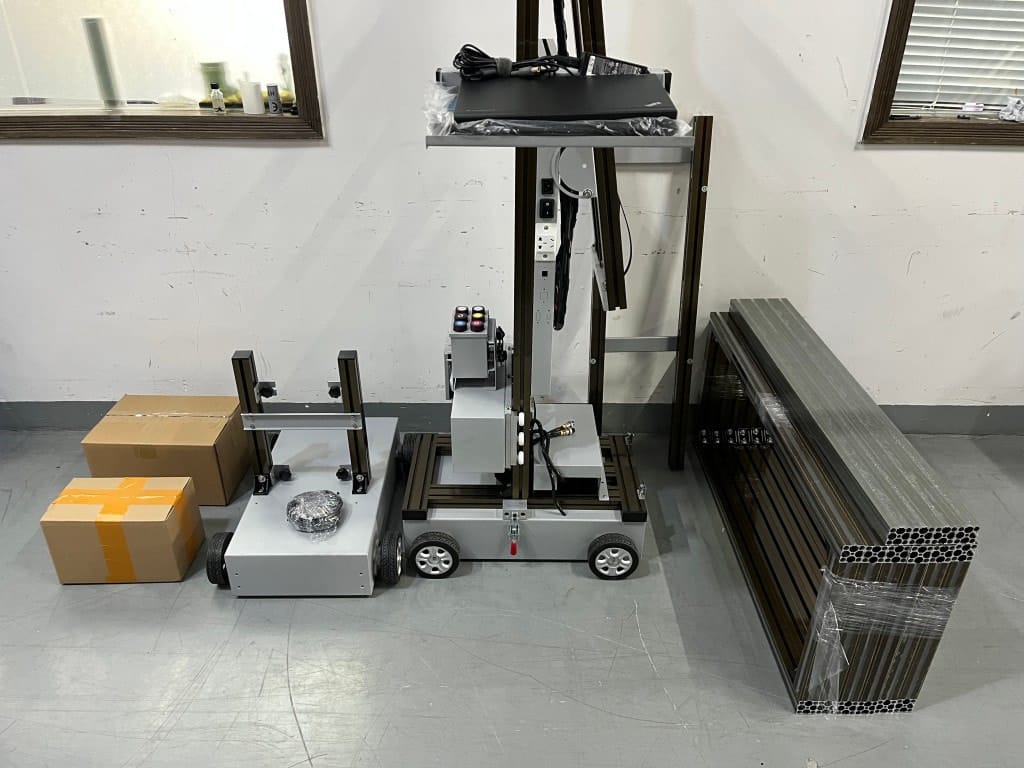
If a supplier refuses to provide crate photos or packed dimensions, treat that as a warning sign.
Door-to-door vs port-to-port
Door-to-door
Door-to-door shipping means the logistics partner handles most steps from origin to your address. This is often best for first-time buyers because responsibility is clearer and the process is simpler.
Port-to-port
Port-to-port shipping can be cheaper on paper, but you usually handle:
- local customs broker coordination
- pickup from the port
- local trucking, unloading, and sometimes storage fees
For new wall printing businesses, “simple and safe” often beats “slightly cheaper but complicated.”
Arrival checklist: what to do on delivery day
Your first goal on delivery day is not “print a wall.” Your goal is to confirm everything arrived correctly.
Delivery day checklist
- Inspect the crate: dents, holes, water marks
- Take photos before opening
- Verify accessory list and spare parts kit
- Confirm voltage/plug and any requested configuration
- Unpack modules carefully and keep packing materials for a short time
- Schedule first setup support (video call) before rushing into a client job — wall-printing-workflow

How to reduce shipping risk (practical tips)
- Confirm packed dimensions and gross weight before paying final balance
- Ask for crate photos and accessory list
- Ensure spare parts are inside the crate
- Prepare unloading: do you need a pallet jack or forklift?
- Confirm building access if delivering to an office (elevators, door width, ramps)
A shipping delay hurts less than a damaged printer. Prioritize protection.
Wall Printer quote checklist Send These 7 Items
- Country + city
- Typical wall height range
- Typical job size
- Main wall surfaces
- Indoor only or indoor + outdoor
- Dark walls needed?
- Power standardvoltage + plug
CTA: Send these 7 items → shipping estimate + recommended packing plan.
Get a quote