If you’re looking for a wall printer for sale, you’re likely ready for action: you want a machine you can deploy on real jobs without rework loops and downtime surprises.
This page helps you buy with confidence by clarifying:
- what package fits your services (wall-only vs wall+floor),
- what should be included in a quote (so you can compare fairly),
- and what to ask about shipping, support, and spare parts before you pay.
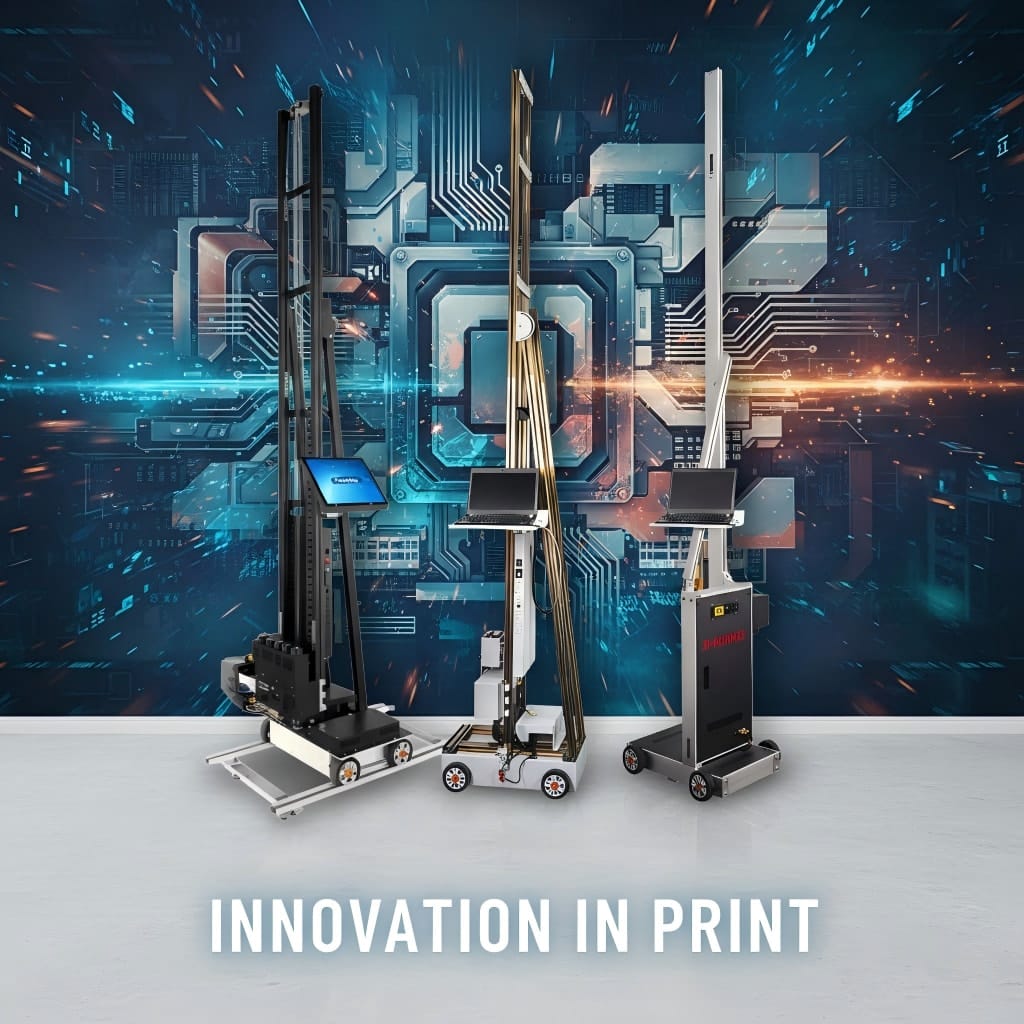
1) Wall printer for sale: choose your package fast
Start with how you sell. The package choice becomes simple.
1.1 Wall-only package (best for mural-first services)
Choose a wall-only package if your main revenue is:
- residential murals,
- logo/brand walls,
- feature walls in offices, gyms, cafés.
You win by repeatable workflow, faster setup, and fewer redo loops.
1.2 Wall + floor package (best for higher-ticket commercial bundles)
Choose wall + floor if you want to upsell:
- floor graphics,
- wayfinding,
- “whole-space branding” packages for commercial clients.
Bundles often increase average order value because clients buy outcomes, not just a wall print.
2) What’s included (and what should be)
A quote is only useful if you know what is included. Ask the seller to list these items clearly.
2.1 Must-have items (quote should spell these out)
- Machine configuration (what exactly you’re receiving)
- Basic consumables / startup items (if included)
- Crating method + packed size/weight
- Warranty scope (what’s covered)
- Training materials (setup, calibration, daily care)
- Support response expectation (hours, not “soon”)
2.2 Often-missing items (these create “cheap quote traps”)
- Spare parts starter kit recommendation
- Live video support during first install
- Maintenance SOP and troubleshooting guide
- Shipping insurance / damage handling process
3) Configuration checklist (to avoid wrong purchases)
Before you request pricing, prepare these inputs. This reduces back-and-forth and prevents mismatched configurations.
3.1 Your “real job profile”
- Typical wall height range (e.g., 2.5m / 3m)
- Typical job size (m² per job + jobs per month)
- Main surfaces (drywall/brick/concrete/tile/wood/glass)
- Indoor only or indoor + outdoor
- Dark walls needed? (white ink workflow yes/no)
3.2 Your “delivery constraints”
- Shipping destination (Country, City)
- Power standard (Voltage + plug type)
- Access constraints (stairs, elevator, narrow corridors) if relevant
Shipping destination (Country, City)
Power standard (Voltage + plug type)
Typical wall height range (e.g., 2.5m / 3m)
Typical job size (m² per job + jobs per month)
Main surfaces (drywall/brick/concrete/tile/wood/glass)
Indoor only or indoor + outdoor
Dark walls needed? (white ink workflow yes/no)
Preferred package: wall-only or wall + floor
4) Shipping basics + what to confirm
Shipping issues don’t just increase cost—they cause delays and damaged parts.
Confirm:
- packed size/weight + crating photos,
- whether insurance is included and how claims are handled,
- delivery time estimate to your city,
- what documents are included for customs clearance.
5) Support + spare parts (your uptime plan)
Wall printing is an on-site business. Uptime matters more than the spec sheet.
Ask every seller:
- Support response time (hours)
- Live video support for first install
- Troubleshooting SOP (common defects + fixes)
- Starter spare parts kit recommendation based on your monthly workload

6) Practical note: where Printava fits (low-hype, workflow-first)
The “after purchase” reality that determines your delivery quality.
If you’re comparing options, the biggest difference usually isn’t the headline spec—it’s how predictable the workflow becomes after purchase. Printava’s approach is to match configuration to your job profile (typical wall height, surfaces, dark-wall/white ink needs, and how often you print on-site), then support that with a clear setup workflow, maintenance SOP, and a starter spare-parts plan. For first-time buyers, that typically reduces wrong-model purchases and cuts rework caused by setup mistakes.
7) FAQ
Quick answers for buy-ready questions.
7.1 What should I send to get an accurate quote?
7.2 What’s the #1 mistake when buying a wall printer?
7.3 Should I buy wall-only or wall+floor?
Next step
Send your checklist once → receive a clear, comparable quote.