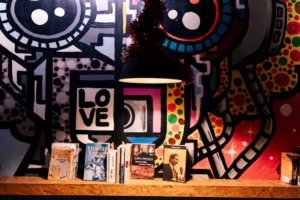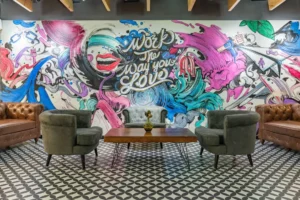
If you are researching a wall printer, one of the most common questions is simple: can a wall printer print in color?
The practical answer is yes. A wall printer can absolutely print in color, and Printava’s support page explicitly describes its machines as delivering up to 2880 dpi color performance with low-odor UV inks. Its machine explainer also describes the workflow as file-based mural printing with UV curing, which is exactly the kind of setup people expect when they ask whether a wall printer can handle real color graphics instead of simple monochrome output.
What matters is not only whether a wall printer can print in color. What matters is how well it prints color on the actual wall in front of you. That depends on the wall color, the wall texture, the distance and leveling control, and whether the job needs a white ink workflow to keep colors bright and consistent. Printava’s white ink guide makes that especially clear for dark walls.
Internal link :
Basic explainer:
/wall-printer-what-is-how-it-works/Internal link :
Machine overview:
/wall-printing-machine/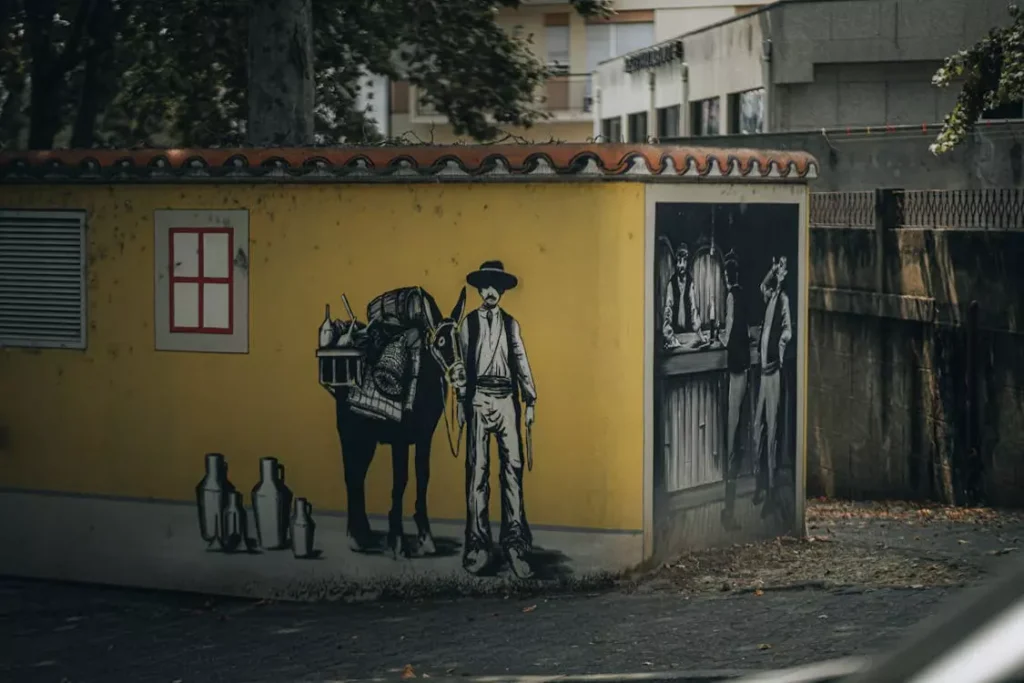
1. The short answer: yes, a wall printer can print in color
A wall printer is not limited to black-and-white output. Printava’s support page specifically highlights color performance, sharp detail, and high-definition mural results, which makes it clear that full-color wall graphics are a normal use case rather than a special exception.
That matters because many first-time buyers still assume a wall printer is mainly for outlines, simple logos, or basic stencil-style graphics. In reality, the category is built around murals, branding walls, decorative graphics, and photo-style output, all of which depend on usable color reproduction. Printava’s homepage describes its machines as tools for high-quality murals, branding walls, custom décor, and commercial graphics.
So the correct answer is yes. A wall printer can print in color. But the more useful answer is that real color quality depends on the wall and the workflow, not just the fact that the machine supports color.
2. How a wall printer produces color
At a practical level, a wall printer works like a direct-to-wall digital printing system. You level the setup, load the file at real dimensions, confirm positioning, and print in passes while UV curing helps the ink dry quickly. That is how Printava’s machine explainer describes the workflow.
That means color output comes from a controlled printing process, not from hand painting or manual fill techniques. When buyers ask whether a wall printer can print in color, what they usually mean is whether it can produce clean gradients, brand colors, photos, and detailed graphics in a repeatable way. Printava’s support page points directly to sharp details and gallery-level results as part of that promise.
This is also why setup discipline matters. Even if the printer supports color, bad leveling, inconsistent wall distance, or weak wall prep can still reduce sharpness and consistency. Printava’s machine guide bluntly states that most “bad printing” is setup, not ink.
Internal link :
UV workflow page:
/uv-wall-printer/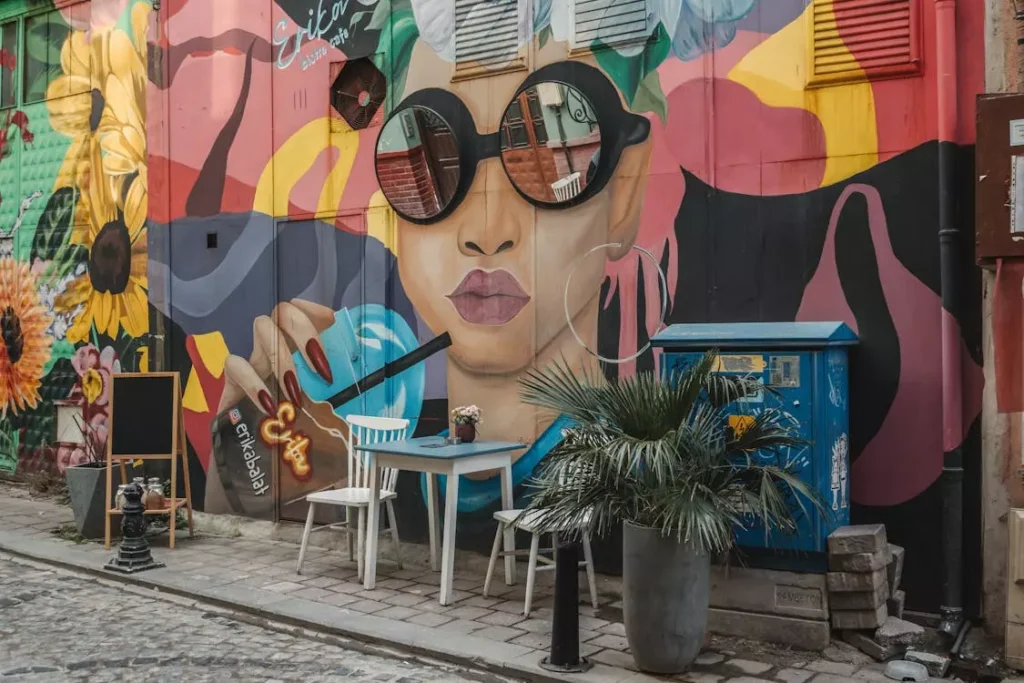
3. Why dark walls are different
This is the part many buyers miss.
Printing color on a white wall is much more forgiving than printing color on a black wall or a deep-colored wall. Printava’s white ink guide says this directly: without the right workflow, colors on dark walls can look dull, washed out, or inconsistent across wall patches.
That is why white ink matters. The guide explains that white ink can create an opaque base layer that blocks the wall color and helps brand colors stay bright and consistent. It also describes two common workflows: full underbase, where white goes under the full design and CMYK goes on top, and spot white, where white is used only where needed.
So yes, a wall printer can print in color on dark walls too. But if the goal is bright, reliable color on a dark surface, you usually need the right white ink workflow, not just “more color ink.”
Internal link :
Dark-wall workflow page:
/white-ink-wall-printer-guide/4. What affects real color output?
Several things affect whether a wall printer delivers strong color in the real world.
The first is wall color. Light walls are easier. Dark walls usually need more planning and often white ink support. Printava’s pricing guide also links white ink directly to brightness and brand color consistency on dark painted walls and colored concrete.
The second is wall texture. A rough wall can soften fine detail, reduce crisp edges, and make color transitions look less clean. Printava’s machine explainer says texture reduces fine detail, especially when people expect photo-like sharpness.
The third is distance and leveling. The same guide says positioning, leveling, and wall distance are the number one quality factor. That matters because even good color files will not look right if the print relationship to the wall is unstable.
The fourth is wall cleanliness and paint stability. Printava’s white ink guide says white ink cannot fix a dirty or chalky wall by itself, and weak adhesion can come from dust, moisture, or unstable paint layers.
The fifth is test patches. On difficult walls, especially dark or inconsistent ones, a test patch helps confirm opacity, color brightness, accuracy, banding risk, edge sharpness, and adhesion stability before full production. Printava’s white ink guide makes that test-patch step mandatory for dark walls.
5. When does a wall printer give the best color results?
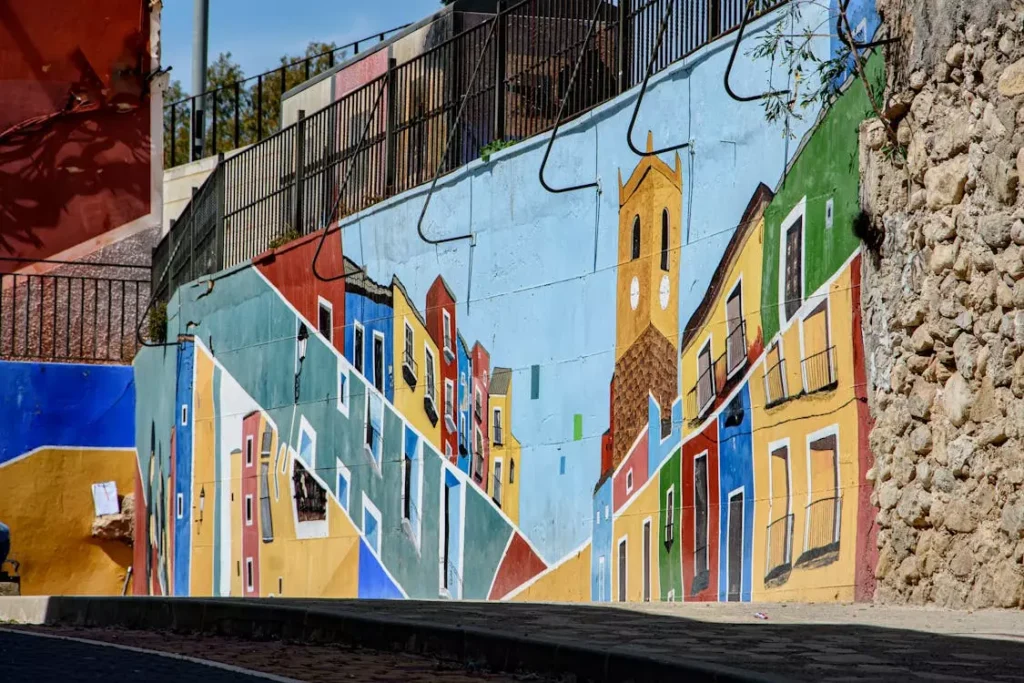
In general, a wall printer gives its best color results on smooth, well-prepared indoor walls.
That is where you are most likely to get clean gradients, crisp edges, readable small details, and stronger overall consistency. Printava’s support page says its machines work on most indoor walls and that they are designed to keep fine text and photo-level murals sharp and clear.
This is also why branded office walls, retail interiors, murals, exhibitions, and decorative commercial graphics are such common use cases. Printava’s homepage and commercial-idea content frame wall printing around murals, branding walls, custom décor, office graphics, and brand-color alignment.
That does not mean color printing is only for smooth white walls. It means the easiest path to great color is a wall and workflow that support the machine instead of fighting it.
Internal link :
Printable surfaces page:
/printable-surfaces/Internal link :
Commercial examples page:
/10-wall-printer-ideas-for-commercial-spaces/6. What should buyers confirm before promising “full color”?
If you sell or buy wall printing, this is where expectations matter.
Do not promise “full color” as if every wall will behave the same way. On a smooth white wall, full-color output is a normal expectation. On a dark wall, a textured wall, or a weak surface, the question becomes whether the workflow includes white ink, proper QC, and test-patch discipline. Printava’s white ink guide is very clear that dark-wall jobs need tighter QC and sometimes slower, more controlled production.
You should also confirm whether the job needs brand-color consistency, photo detail, or simple bold graphics. Those are different demands. Printava’s content repeatedly separates seamless mural impact from cases where very small text or simple decals may still be better suited to another method.
And you should confirm support. Printava’s support page says the team can help test special surfaces in advance, which is highly relevant whenever color expectations are high or the wall is unusual.
Internal link :
Support page:
/printava-wall-printer-support/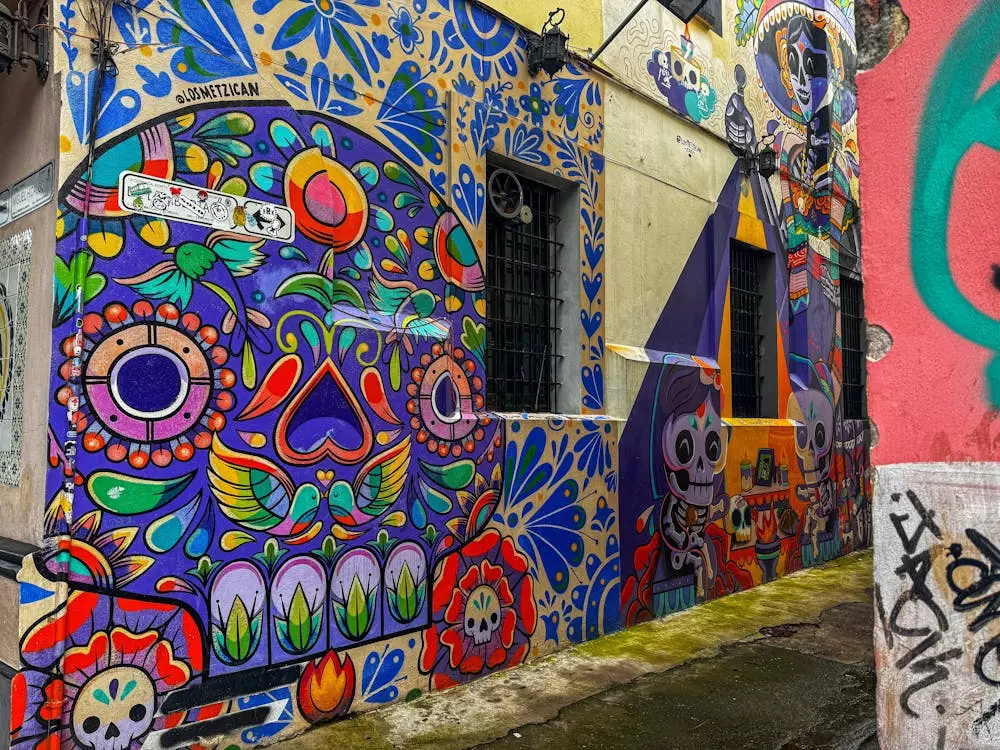
7. Practical answer for buyers
So, can a wall printer print in color?
Yes. A wall printer can print in color, and the category is built around that capability. Printava’s own pages describe color performance, sharp detail, mural output, branding applications, and white-ink workflows for darker surfaces, all of which confirm that color is a core use case, not a side feature.
The more useful answer is this: a wall printer can print in color well when the wall, the ink strategy, and the workflow all fit the job. On light, smooth walls, color is straightforward. On dark walls, color often needs white ink and better QC. On rough or unstable walls, color quality depends heavily on preparation and realistic design choices.
That is the difference between a simple “yes” and a publish-worthy answer.
Internal link :
Pricing context page:
/how-much-does-a-wall-printer-cost/FAQ
Can a wall printer print full-color murals?
Yes. Printava’s support and homepage content both position wall printers for murals, branding walls, and detailed commercial graphics with high-definition color output.
Do dark walls need a different color workflow?
Usually yes. Printava’s white ink guide says dark walls often need a white ink workflow to keep colors bright and consistent.
What happens if you print color on a dark wall without white ink?
Colors can look dull, washed out, or inconsistent, according to Printava’s white ink guide.
Does wall texture affect color quality?
Yes. Printava’s machine explainer says texture reduces fine detail, which can affect how clean color output looks in practice.
CTA
If color quality matters, do not judge the job by the printer alone. Check the wall, confirm whether white ink is needed, run a test patch, and match the workflow to the result you want.