
Maintenance is profit, not “extra work”
Wall printing businesses don’t lose money because ink is expensive. They lose money because of downtime and rework. A simple maintenance routine keeps output consistent, prevents small issues from becoming big failures, and protects your schedule and reputation.
If you run a daily service with a wall printing machine, treat maintenance as part of the business model — not an optional task. CTA: Ask for our maintenance SOP + spare parts list when you request a quote.
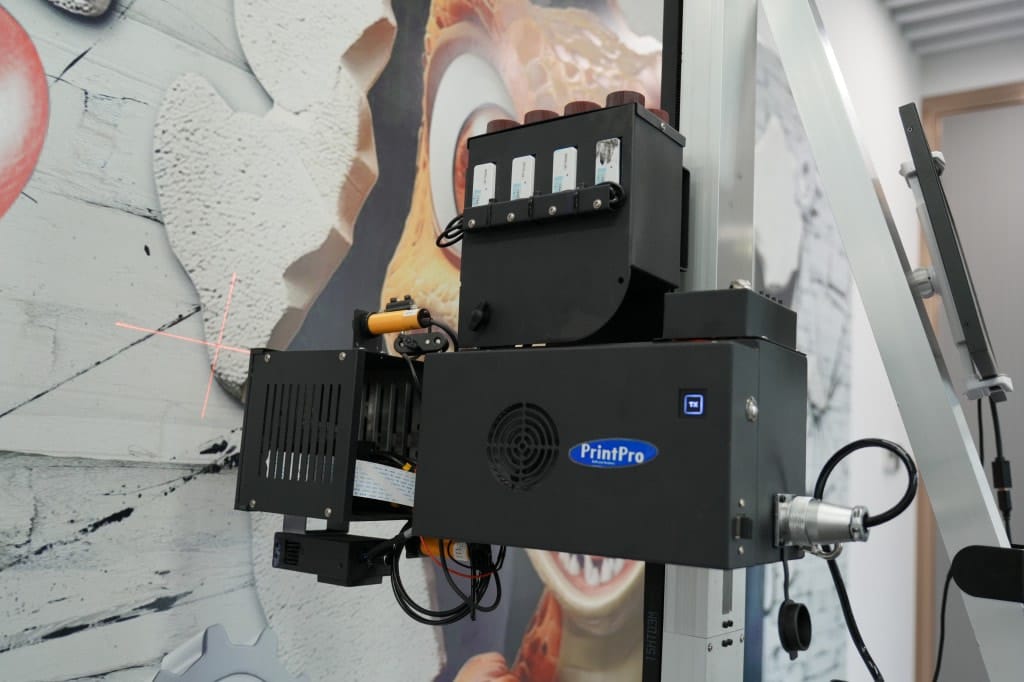
Why maintenance is profit, not “extra work”
A wall printer can produce premium results — but only when it stays consistent. In real operations, the biggest profit killers are:
- lost job time (unexpected interruptions on site)
- rework (redoing prints because of banding, drift, or poor adhesion)
- reputation damage (clients remember delays more than they remember your excuses)
Maintenance is the cheapest insurance you can buy. It keeps your workflow predictable and reduces the chance that a small issue becomes a day-killing failure. If your goal is stable output and scaling, maintenance directly improves long-term results and client trust.
/support/ (maintenance help + troubleshooting guidance) →If you’re comparing supplier support depth, use this as a filter: a strong supplier can provide a maintenance SOP, spare parts list, and a troubleshooting routine — not just sales talk.
Daily maintenance checklist (10–15 minutes)
Do these every working day. Daily discipline is what prevents “random” problems. If you move between different wall materials, consistency requires discipline.
- Clean the work areaDust control helps prevent defects and adhesion issues.
- Follow the basic cleaning routine for the systemKeep routine consistent, not “only when something looks wrong.”
- Check key movement pointsConfirm smooth travel and no unusual resistance.
- Confirm cables and connectors are secureLoose connections cause interruptions and inconsistent performance.
- Run a small test patch when changing surface typesFast verification prevents surprises on full prints.
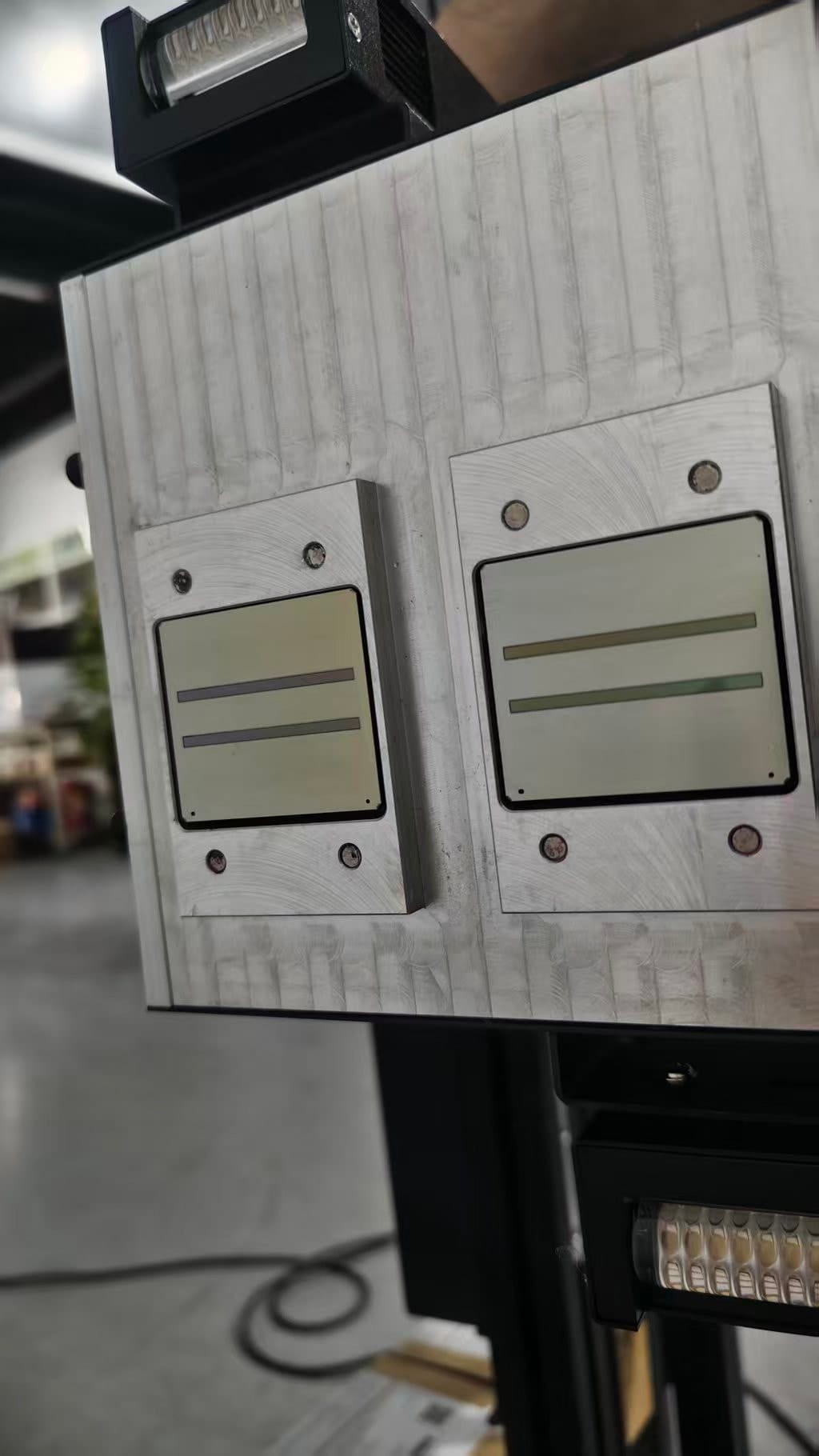
Workflow support deep dive: wall-printing-workflow
Weekly maintenance checklist
Once per week, do a slightly deeper check. Weekly maintenance is where you catch small wear or dust accumulation before it becomes a job-day interruption.
- Inspect rails/base componentsLook for anything that could affect stability or smooth movement.
- Clean areas that accumulate dustDust build-up is a repeat offender in real environments.
- Check leveling tools and clampsIf leveling tools drift, output drift follows.
- Review your “problem log”Record what happened and what fixed it — a log turns chaos into repeatable solutions.
Why the problem log matters
Teams get better when they write down failures and fixes. Over time, you build your own internal troubleshooting system — faster than “guessing” on client sites.
Monthly maintenance checklist
Monthly tasks keep your operation stable over the long run. This is also where you reduce risk for busy seasons — when downtime is most expensive.
- Deeper inspection of wear pointsCatch wear early instead of waiting for a failure.
- Confirm spare parts readinessMake sure critical parts are available before you need them.
- Review training consistencyDoes every operator follow the same checklist?
- Organize transport/storage planClean packing and storage reduces damage and lost time.
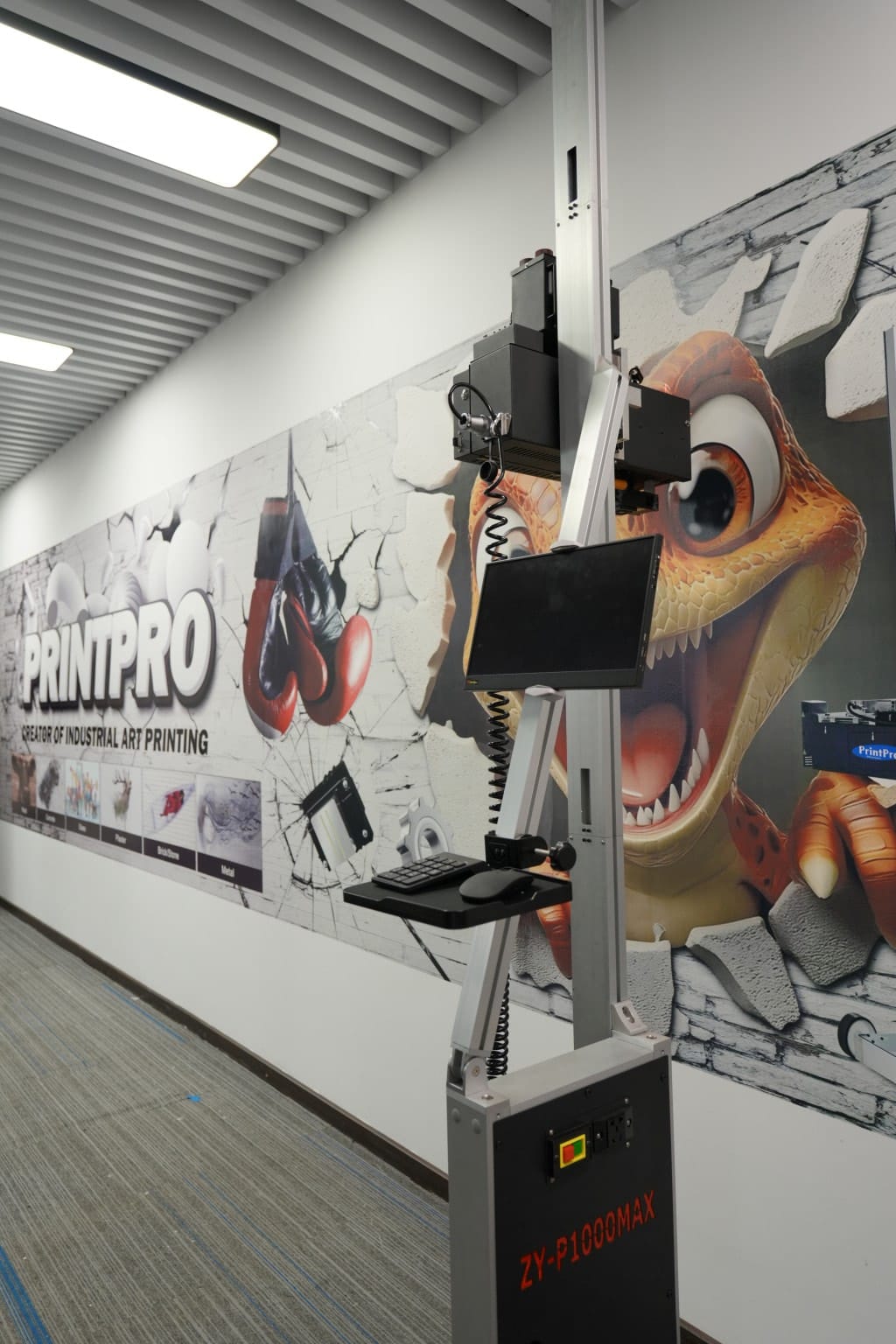
Troubleshooting: 6 common issues and quick checks
When something looks “wrong,” don’t panic. Start with quick checks that match the most common root causes. Many issues are workflow-related and can be fixed fast.
Banding lines
Quick check: leveling and distance consistency.
Soft edges
Quick check: distance control and wall texture expectations.
Color inconsistency
Quick check: wall surface variation and file settings; run a small test patch.
Adhesion problems
Quick check: dust/moisture and surface prep; confirm curing workflow; test patch again.
Alignment drift on long prints
Quick check: rail stability and movement smoothness.
Frequent interruptions
Quick check: workflow discipline and operator steps (cables, connectors, setup routine).
Spare parts strategy (what to stock)
A business should never stop because of a small part. Your spare parts strategy should be based on:
- what stops you from printing today
- what takes longest to ship
- what you can replace quickly on-site
The supplier test
A good supplier should recommend a realistic spare parts list and explain why each item matters. If a supplier can’t explain a parts strategy, they probably can’t protect your uptime.
If you’re in purchase-intent mode, see: /wall-printer-for-sale/
Wall Printer quote checklist Send These 7 Items
- Country + city
- Typical wall height range
- Typical job size
- Main wall surfaces
- Indoor only or indoor + outdoor
- Dark walls needed?
- Power standard
CTA: Ask for our maintenance SOP + spare parts list with your quote.
Get a quote